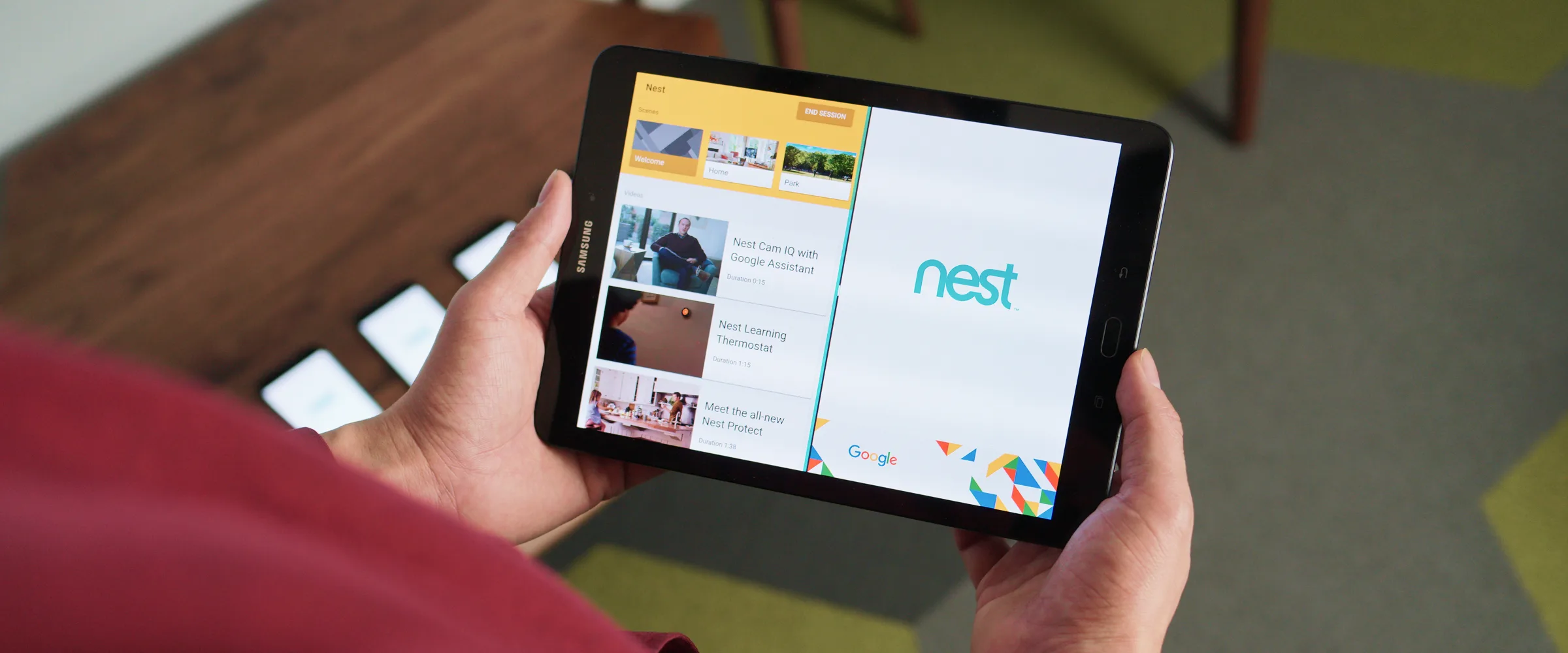
Mobile Media Viewer | Immersive Experience
Interactive installation at YouTube's New York studio, designed as part of guided tours for advertisers to demonstrate how video ads perform across different mobile environments.







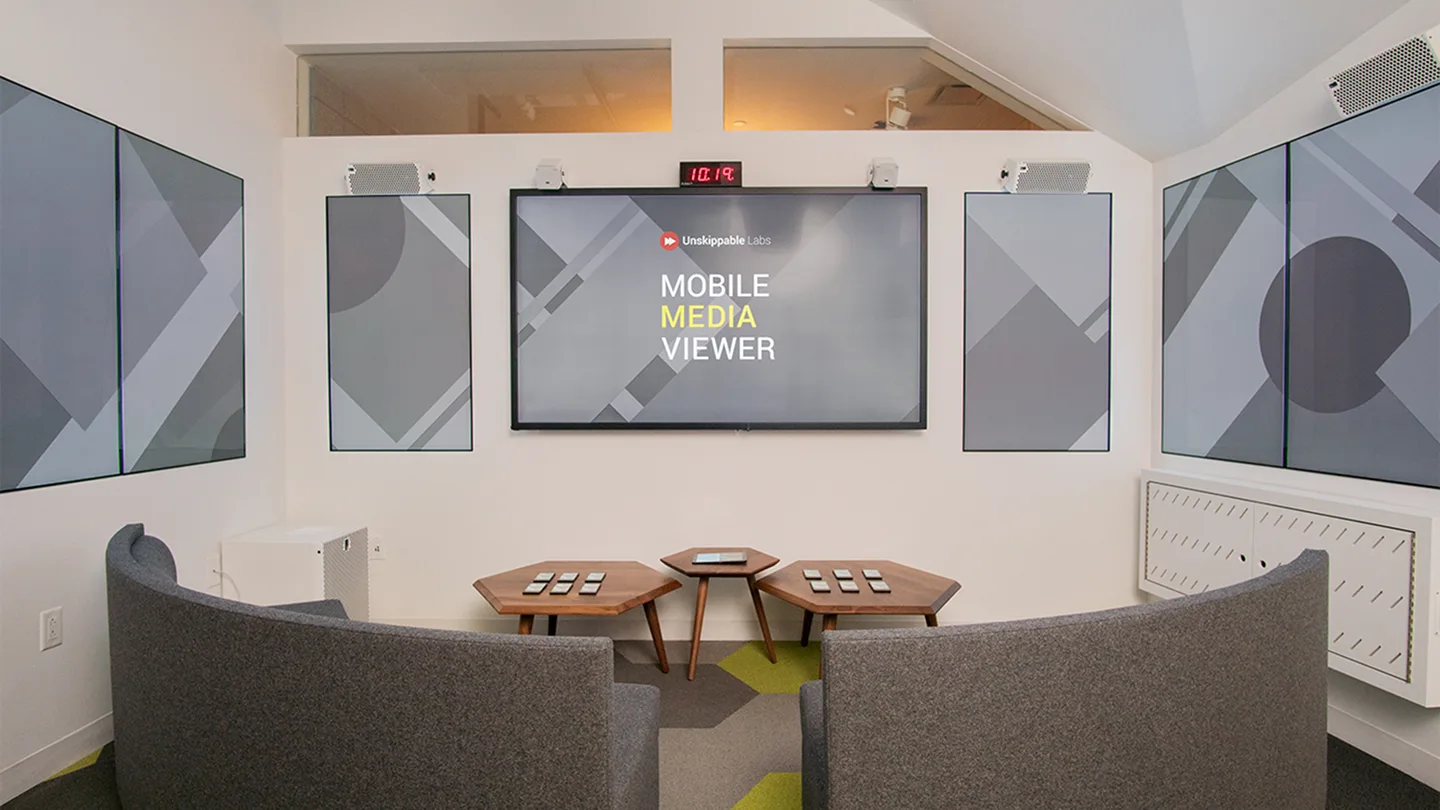
A dedicated space set up in a corner of the studio. Multiple large screens surround the guests, paired with a high-end audio system to deliver a fully immersive experience.
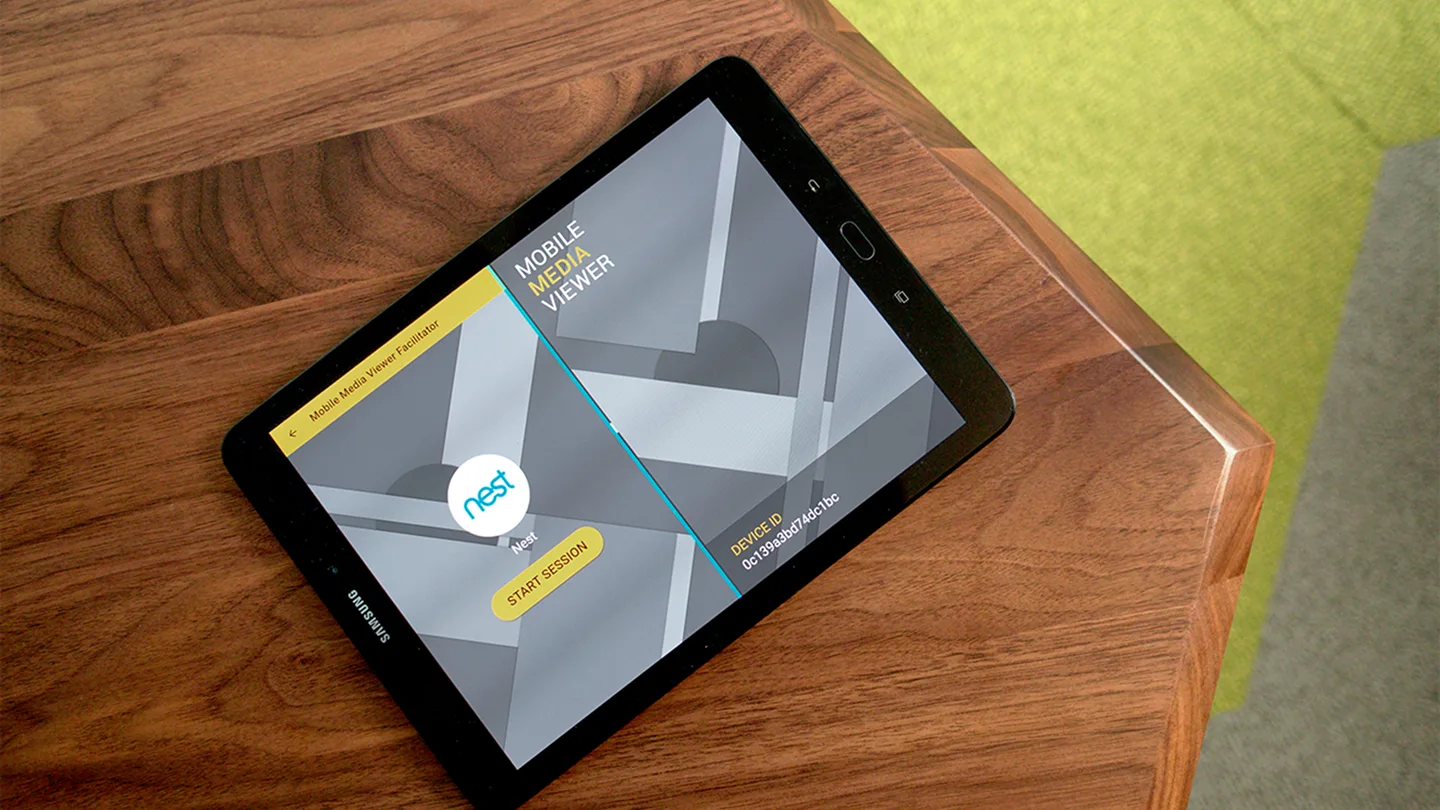
The facilitator's tablet. The screen is split to show both the control app and the guest-facing monitor app side by side.
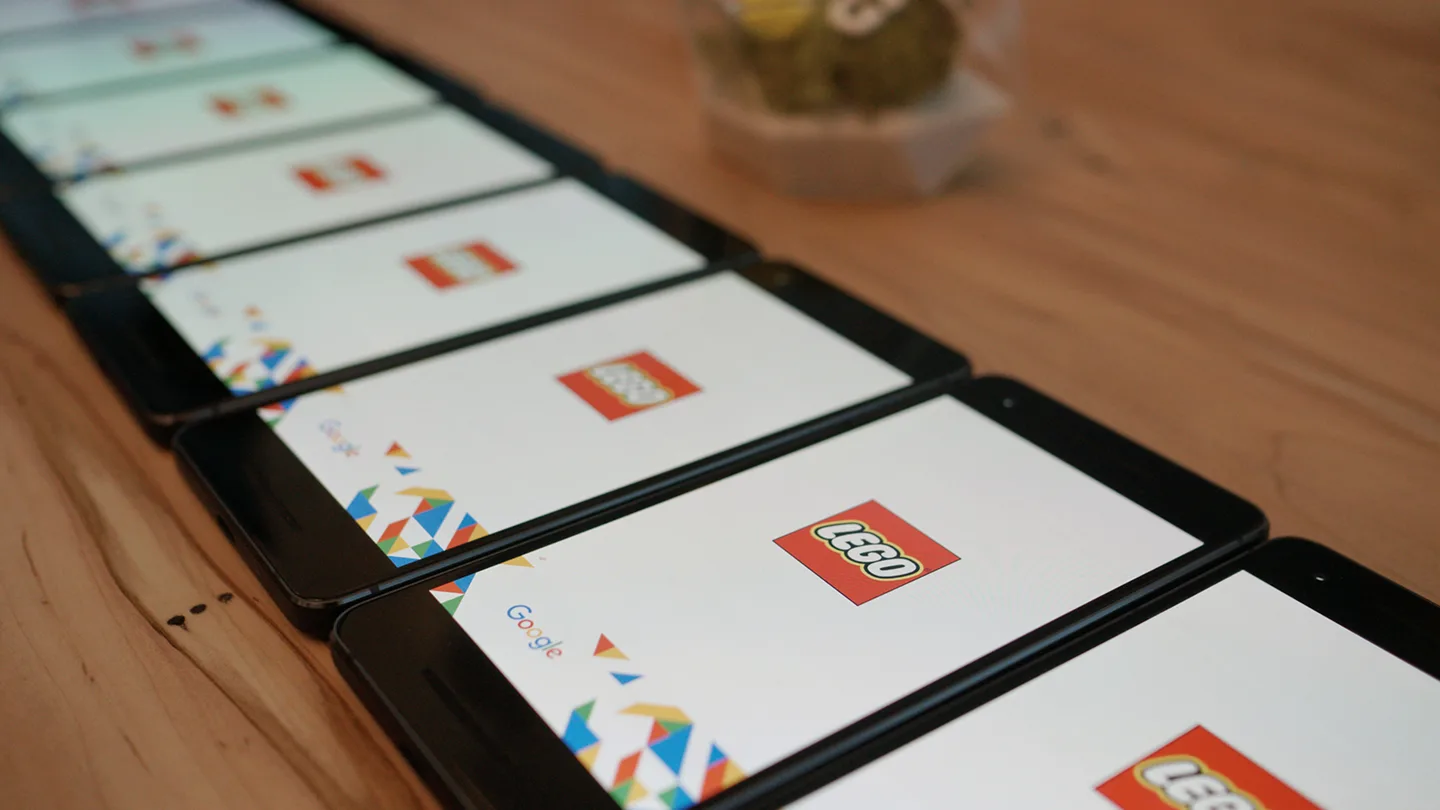
The space is stocked with multiple smartphones, and each guest is invited to pick one up.
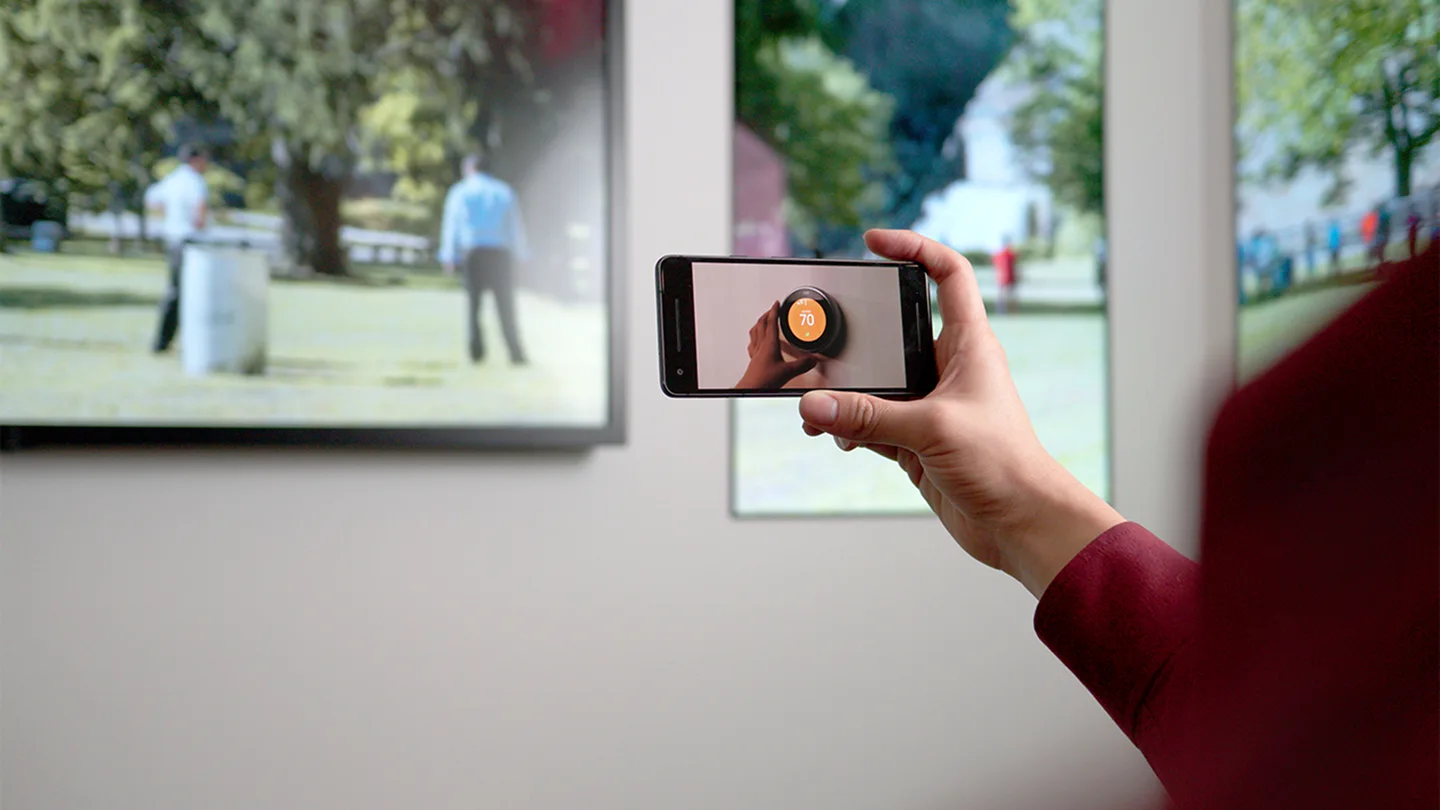
On the facilitator's cue, a video ad plays simultaneously on every smartphone.
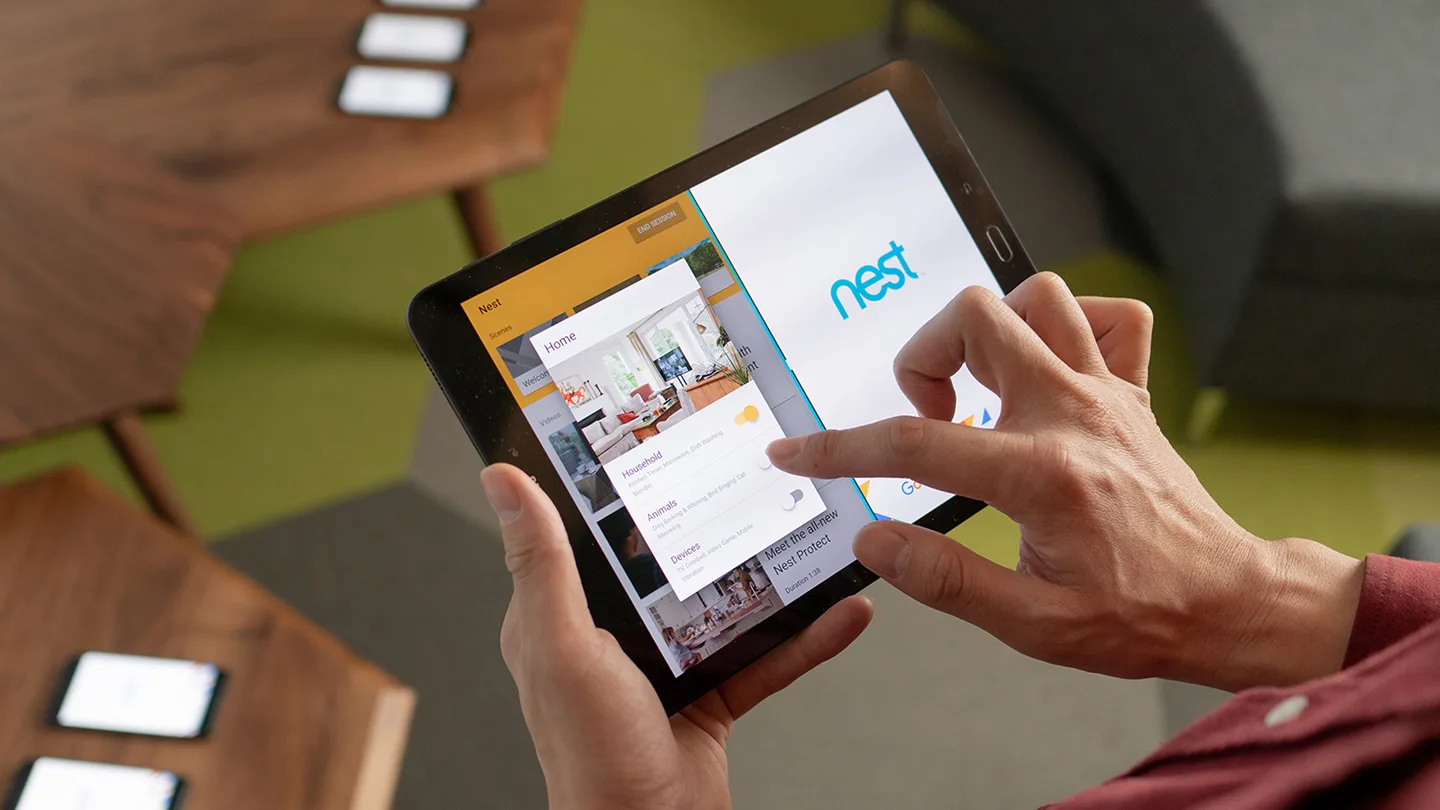
The facilitator plays panoramic videos of different environments on the room's screens, showing how the viewing experience shifts depending on the context.
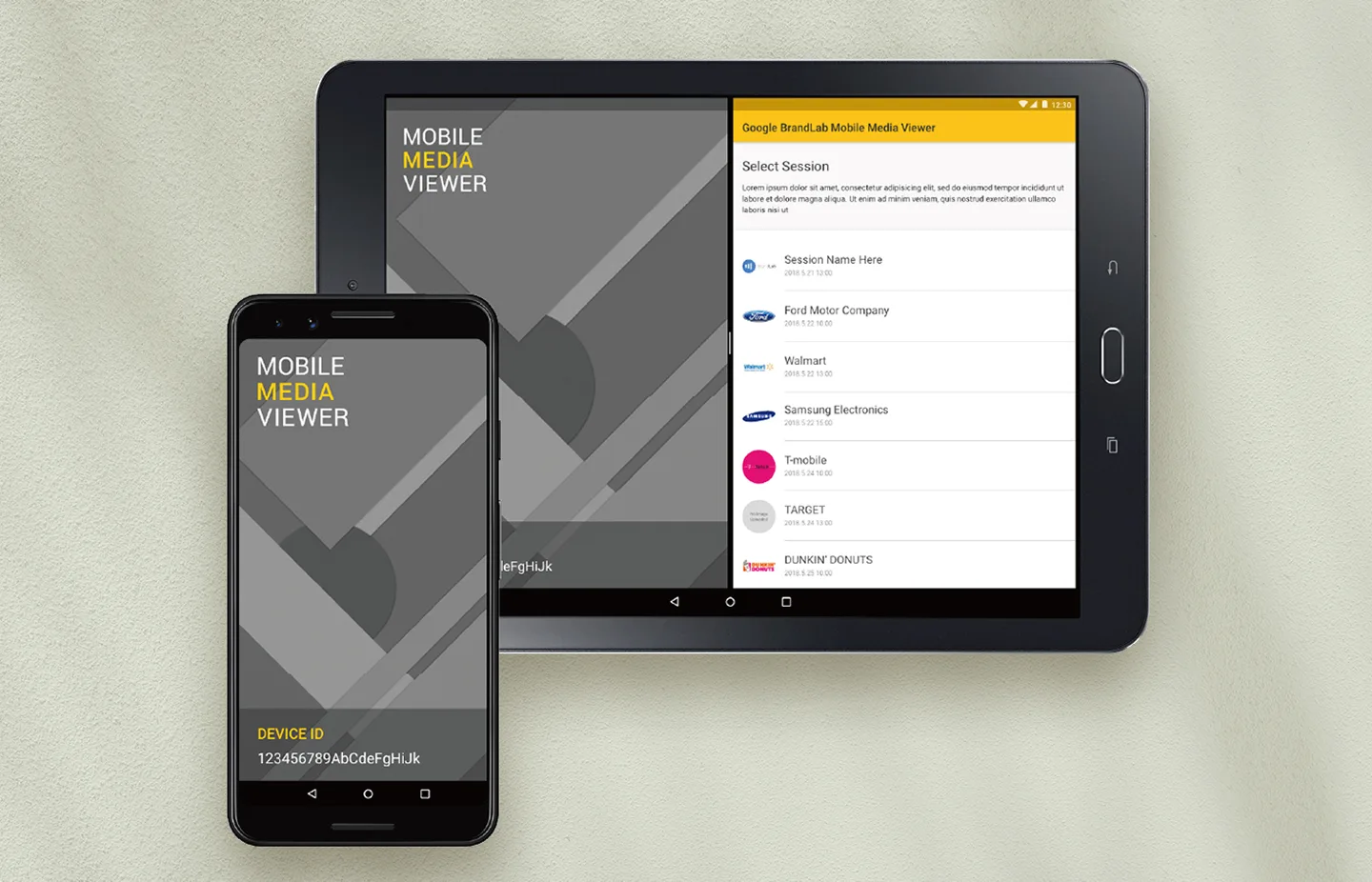
The UI for both the facilitator and guest apps. Sessions kick off by selecting guest data pre-registered in the CMS.
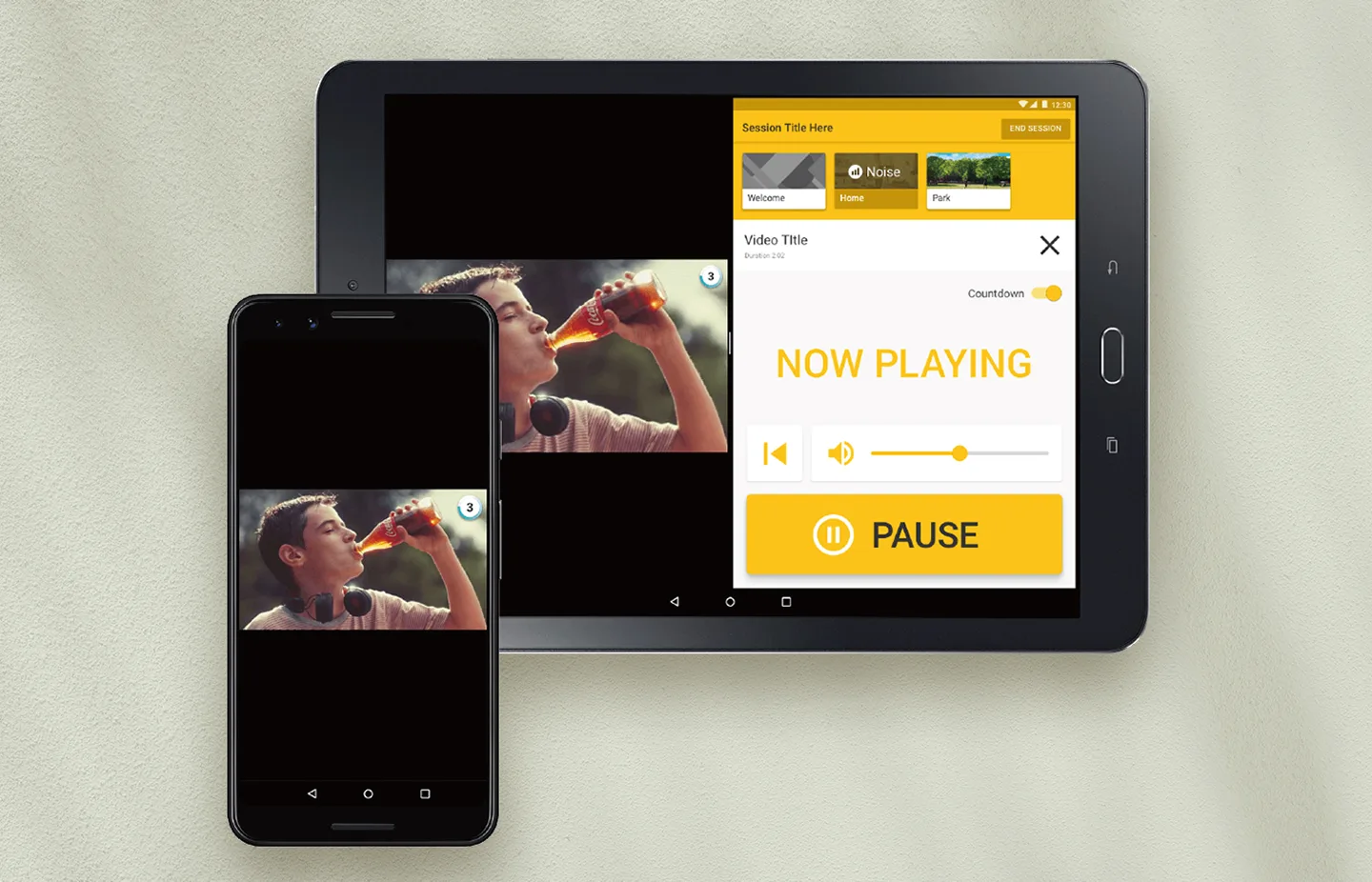
The screen during ad playback. Since the facilitator is presenting at the same time, the UI is kept simple to minimize the risk of accidental taps.
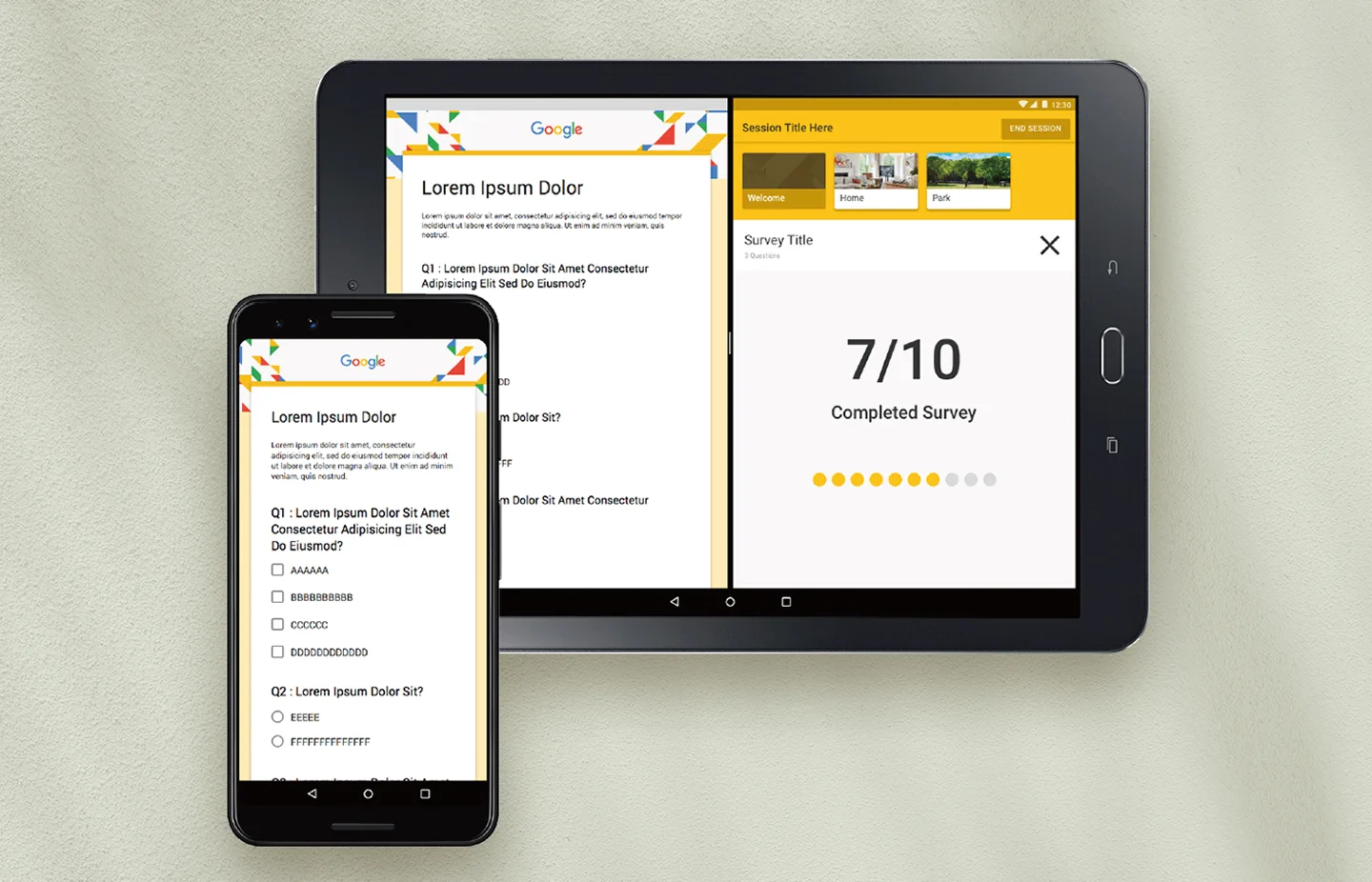
A short survey wraps up each session, followed by a discussion on key findings and areas for improvement.
This is a pretty
cool room, right?
Let's pause here for a bit.
It's about picturing
how it flows in real sessions,
down to the fizz of it all.